
Star Wars Zero Company Den Level Guide for Upgrades
Learn how star wars zero company den level rises through Zone Influence and reward-bearing side missions, plus how level gates Den upgrades and rewards.
How to increase Den Level
To increase Star Wars Zero Company Den Level, open the Holotable and prioritize side missions or Zone Influence tiers that display Den Level in their reward panels. The points are paid when the listed activity resolves, so simply opening a mission or sending a squad is not enough. Exact thresholds, level rewards, and the complete unlock table are To be confirmed.
Den Level is tied to the base progression track. It helps determine which Facilities, Crew, and Weapon upgrades can be attempted, which makes it part of the same planning loop as Credits, Build Slots, Cycles, and Zone Influence. A slow Den Level bar can therefore delay several different improvements at once.
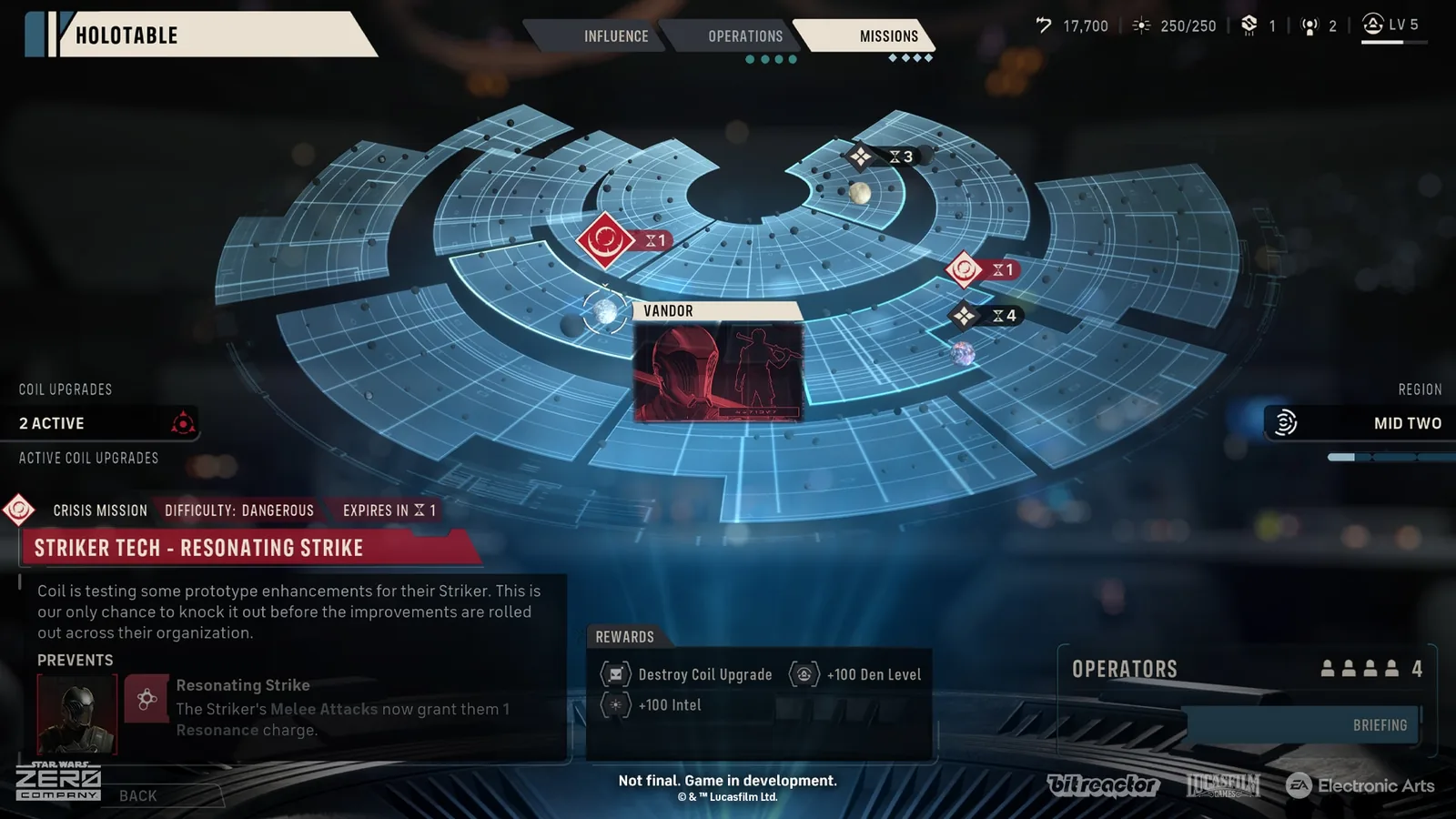
Den Level from Zone Influence
Open the Influence tab at the Holotable and inspect the next reward tier for each Zone. Some tiers list Den Level points, while other tiers offer an Upgrade Facility Slot, Weapon Mod Slot, Credits, Focus Points, Bond progress, Utilities, or Contacts. Work toward the tier that matches the company’s current need and shows the Den Level reward you want.
Zone Influence comes from Operations and Tactical Missions in the relevant region. Contacts can also feed the Influence loop when the campaign makes them available. The exact Zone names, tier thresholds, Den Level amounts, and reward combinations can vary by campaign state and are To be confirmed.
Do not assume that every Influence tier gives Den Level. The reward line is the important check before deployment, especially when the next Tactical Mission will advance the Cycle and remove unfinished opportunities. A Zone can still be worth pursuing for a Build Slot or equipment even when it does not advance the Den Level bar.
Den Level from side missions
Switch to the Missions tab and scan the available Tactical Missions. Side missions that award Den Level identify it in the reward block, often beside Credits, Contacts, Intel, or other rewards. Open Briefing to compare the objective, difficulty, squad requirements, injury risk, and timer before choosing a deployment.
Dangerous missions can be attractive because their Den Level reward may exceed a routine assignment. Injury management still matters because an Operator who is already hurt can become a liability on the next mission. Keep the Medbay and a healthy replacement in the plan before committing to a high-risk Den Level run.
Recorded route examples include Abduction and Spoils of War, with different Den Level amounts shown in their reward panels. These values belong to the collected route record, while the current amount, mission availability, and exact reward text in every campaign are To be confirmed. Use the live Holotable panel as the final check.
When Den Level is awarded
The reward arrives when the selected side mission completes or when the Zone reaches the listed Influence tier. A failed mission does not provide the completed reward, and an expired mission can disappear before the squad is ready. This makes Cycle planning as important as the raw amount of Den Level shown on the panel.
Read the entire reward list before launching a mission. A side mission may offer Den Level and a Contact, while a different mission may provide Credits or a Capacitor that is more valuable for the next Upgrade Facility project. The right choice depends on whether the company is blocked by a level requirement, an empty Build Slot, missing Credits, or an injured roster.
How to check your progress
The Holotable shows the Den Level readout and the points moving toward the next threshold. Check it after a mission resolves or after an Influence tier flips. If the bar does not move, revisit the completed activity’s reward panel because it may have paid a different reward.
The Upgrade Facility is another useful progress check. A newly available project can show that a threshold has been crossed, while a locked project can point to a missing Den Level requirement or another prerequisite. Exact unlock messages and level gates are To be confirmed when the current menu does not display the full reason.
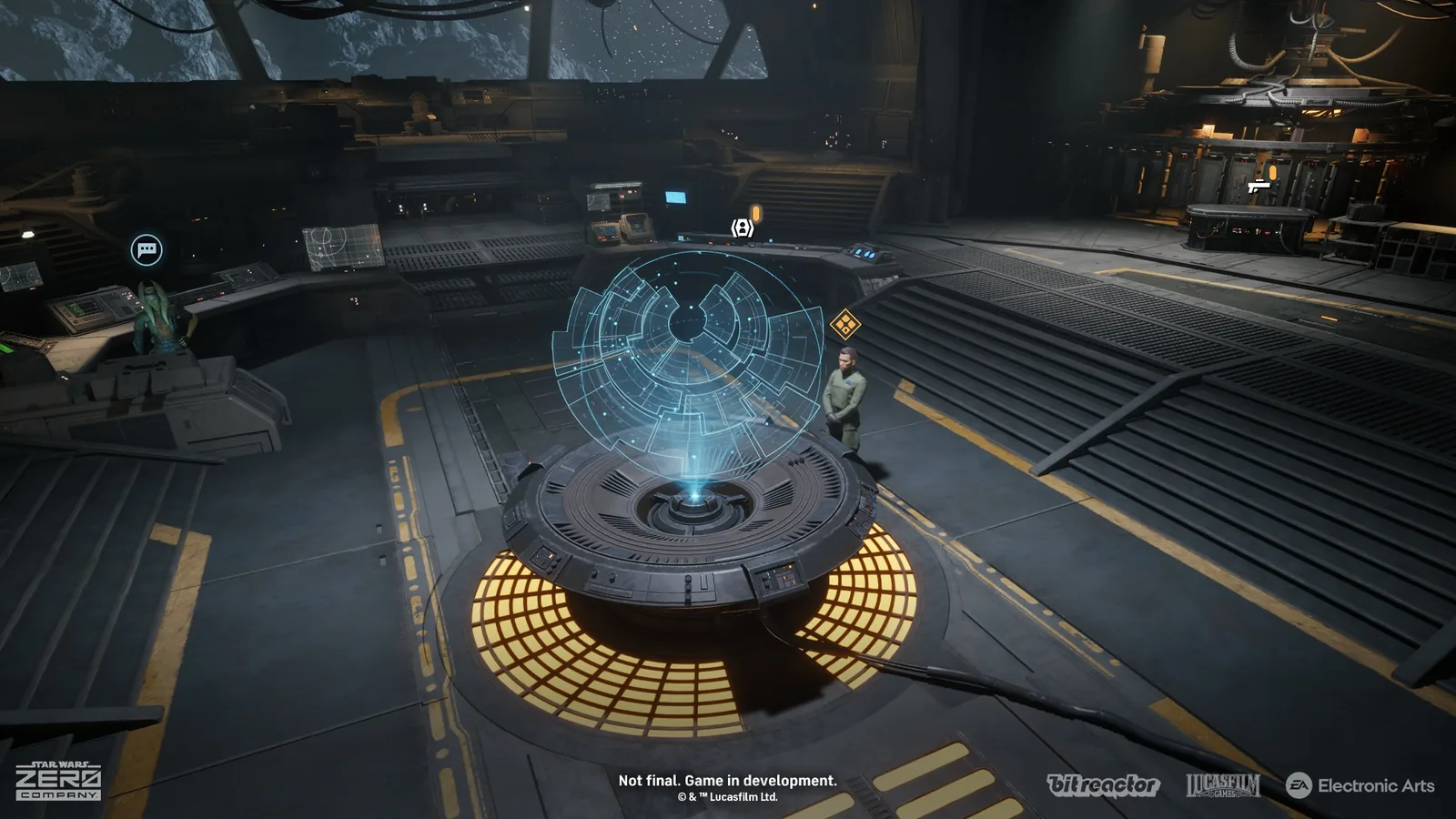
Den Level and upgrade planning
Raise Den Level alongside the rewards needed for the next project. A Medbay expansion can protect a team pursuing dangerous side missions, while an extra Build Slot can accelerate several later improvements. The best route combines level progress with the actual health, Credits, Intel, and equipment needs of the current roster.
The Star Wars Zero Company Den Upgrades guide explains how Facilities, Crew, and Weapons compete for the same construction time. Use the Upgrade Facility guide when a level increase unlocks several branches at once. The complete priority order by difficulty is To be confirmed.
A simple Den Level routine
At the start of every Cycle, open the Missions tab and mark side missions that show Den Level. Open the Influence tab and find the nearest Zone tier with a matching reward. Then compare the timers, mission risk, Intel cost, and resource rewards before selecting the activity that moves the campaign forward.
Complete the chosen mission successfully, return to The Den, and check the progress bar. If a Zone tier was the target, confirm that the Influence requirement actually flipped before counting the reward. Repeat this scan after every Tactical Mission because the Holotable changes with the next Cycle.
Related knowledge
Related entities
Related guides
Related articles
den
Star Wars Zero Company Bonds Guide and Farming Tips
Learn how star wars zero company bonds grow through missions, Operations, dialogue, and support actions, plus how Bond levels unlock Cross-training and Focus.
den
Star Wars Zero Company Cross Training Guide
Learn how star wars zero company cross training unlocks through Bonds, how permanent pair bonuses work, and which choices best fit each squad role.
den
Star Wars Zero Company Den Upgrades Guide
Use this star wars zero company den upgrades guide to plan Facilities, Crew, and Weapons improvements around Credits, Build Slots, Cycles, and squad needs.
Was this helpful?
Thanks for the feedback.